


'Full Width Card Section' item 1 title
‘Full Width Card Section’ item 1 content.
Can add images and forms.
'Full Width Card Section' item 2 title
‘Full Width Card Section’ item 2 content.
No image. As you can see, this section doesn’t work without an image, so always add an image.

Blank content area
Or ‘main content area’ at the top of the classic editor.
It’s not possible to remove the paw prints from the background of this section.
An image has been added using the ‘Image for main content’ section. The image appears on the left in a 50/50 layout – no layout customisation available in the classic editor.
This is where all block editor content would appear but can be reordered using the ‘Choose sections to display and reorder’ section.
'Feature section 1' heading
‘Feature section 1’ content.
Via Appearance tab: Without background paws or shape. With blue background.
When the main content column is longer, the vertical alignment is as expected (top aligned). When the main content column is longer, the vertical alignment is as expected (top aligned). When the main content column is longer, the vertical alignment is as expected (top aligned). When the main content column is longer, the vertical alignment is as expected (top aligned).
'Feature section 1' optional second column heading
‘Feature section 1’ optional second column display content

'Feature section 2' heading
‘Feature section 2’ content.
No optional second content. With image.
Via appearance tab: With background paws. Without background shape. Content left-aligned.
Feature Section 3 heading
Feature Section 3 content
No image, no background pawprint, with background pad shape.
Content alignment – Left.
Test.
Test.
Button 1 URLFeature Section 3 optional 2nd column heading
Feature Section 3 optional 2nd column content
The second column content always appears in the first column for some reason.
When the optional second column is longer, the vertical alignment is out of whack (centre aligned?). When the optional second column is longer, the vertical alignment is out of whack (centre aligned?). When the optional second column is longer, the vertical alignment is out of whack (centre aligned?). When the optional second column is longer, the vertical alignment is out of whack (centre aligned?). When the optional second column is longer, the vertical alignment is out of whack (centre aligned?). When the optional second column is longer, the vertical alignment is out of whack (centre aligned?). When the optional second column is longer, the vertical alignment is out of whack (centre aligned?). When the optional second column is longer, the vertical alignment is out of whack (centre aligned?).
Button 1 URL - external linkFeature Section 4 Heading
Feature Section 4 Content
No second column. No image.
Appearance: Background paws but no brand shape.
This text is to demonstrate the margins for this section, and how it dynamically wraps around the paw pad shape on the right. This text is to demonstrate the margins for this section, and how it dynamically wraps around the paw pad shape on the right.This text is to demonstrate the margins for this section, and how it dynamically wraps around the paw pad shape on the right.This text is to demonstrate the margins for this section, and how it dynamically wraps around the paw pad shape on the right.This text is to demonstrate the margins for this section, and how it dynamically wraps around the paw pad shape on the right.This text is to demonstrate the margins for this section, and how it dynamically wraps around the paw pad shape on the right.
'Page Tiles Section 1' heading
This section allows you to select internal web pages that you want to display as tiles (as you can see below). It then pulls through the content in the 'Title and intro' section of that page on the card. You can't customise the tile content to the page.
Appearance: Selected blue background, 'Display as grid', with background brand shape, shape to be displayed on right.

Make an adoption appointment
Appointments aren’t necessary on Tuesday to Saturday – simply drop in at any time during opening hours. If you’d like to meet an adoptable animal on a Sunday, book an adoption appointment.
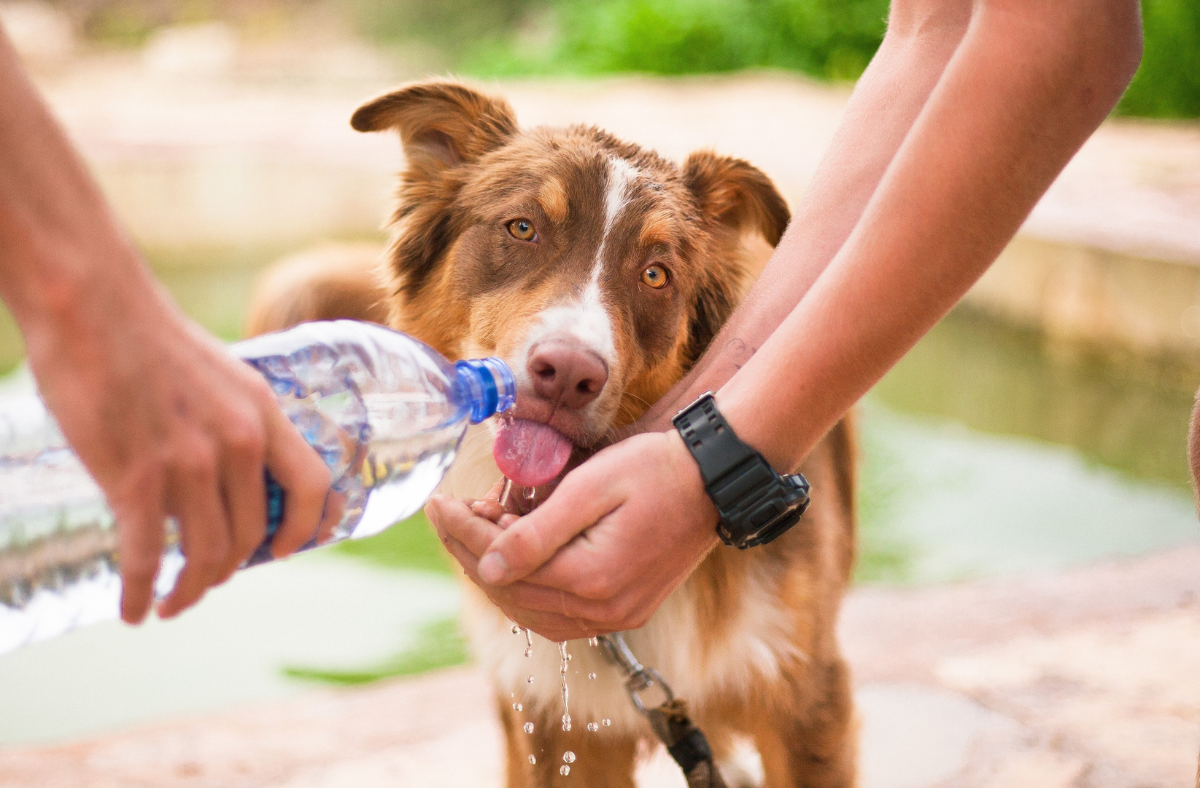
Containers for Change
Turn your eligible drink containers into positive change for RSPCA WA.

Donate items to help animals in need
Your donated blankets, toys and other goods provide comfort to animals waiting for a loving home.

Learn & advocate
Learn about how you can help advocate for better animal welfare standards in WA.
'Page Tiles Section 2' heading
'Page Tiles Section 2' paragraph
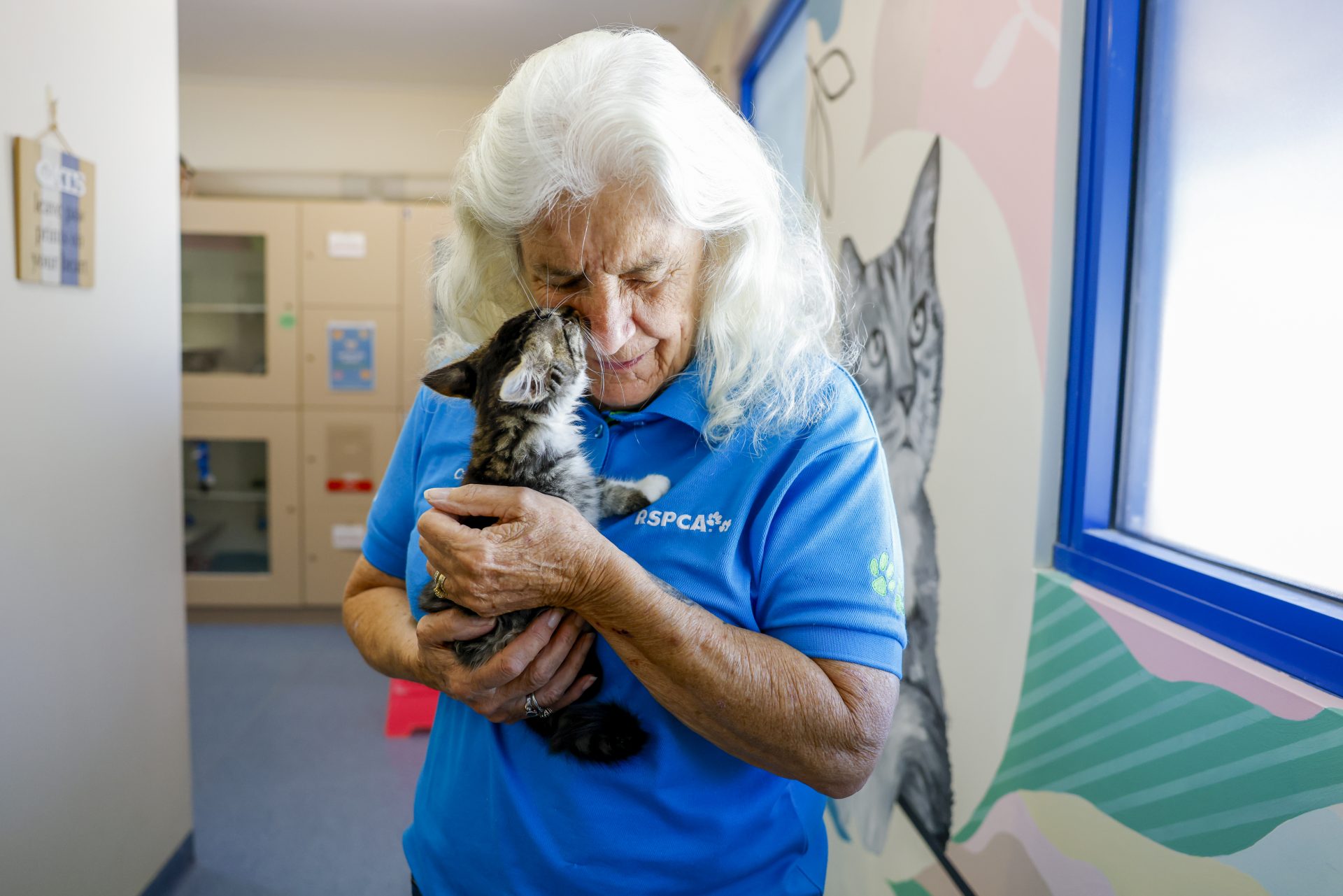


Accordions heading
Accordions intro paragraph
Accordion Item 1 title
Accordion Item 1 description. Can add images and forms.
Can add each item to table of contents using the Add to table of contents tickbox

Accordion Item 2 title
Accordion Item 2 description.

'Full Width Card Section 2' heading
‘Full Width Card Section 2’ content.
Appearance: with blue background and paws displayed.

Item 1 title
Item 1 description

Item 2 title
Item 2 description
'Full Width Wide Content Section' item 1 title
‘Full Width Wide Content Section’ item 1 Content
Blue background, without brand shape
'Full Width Wide Content Section' item 2 title
‘Full Width Wide Content Section’ item 2 content
White background with background brand shape, position on right.

Events heading - 4 displayed


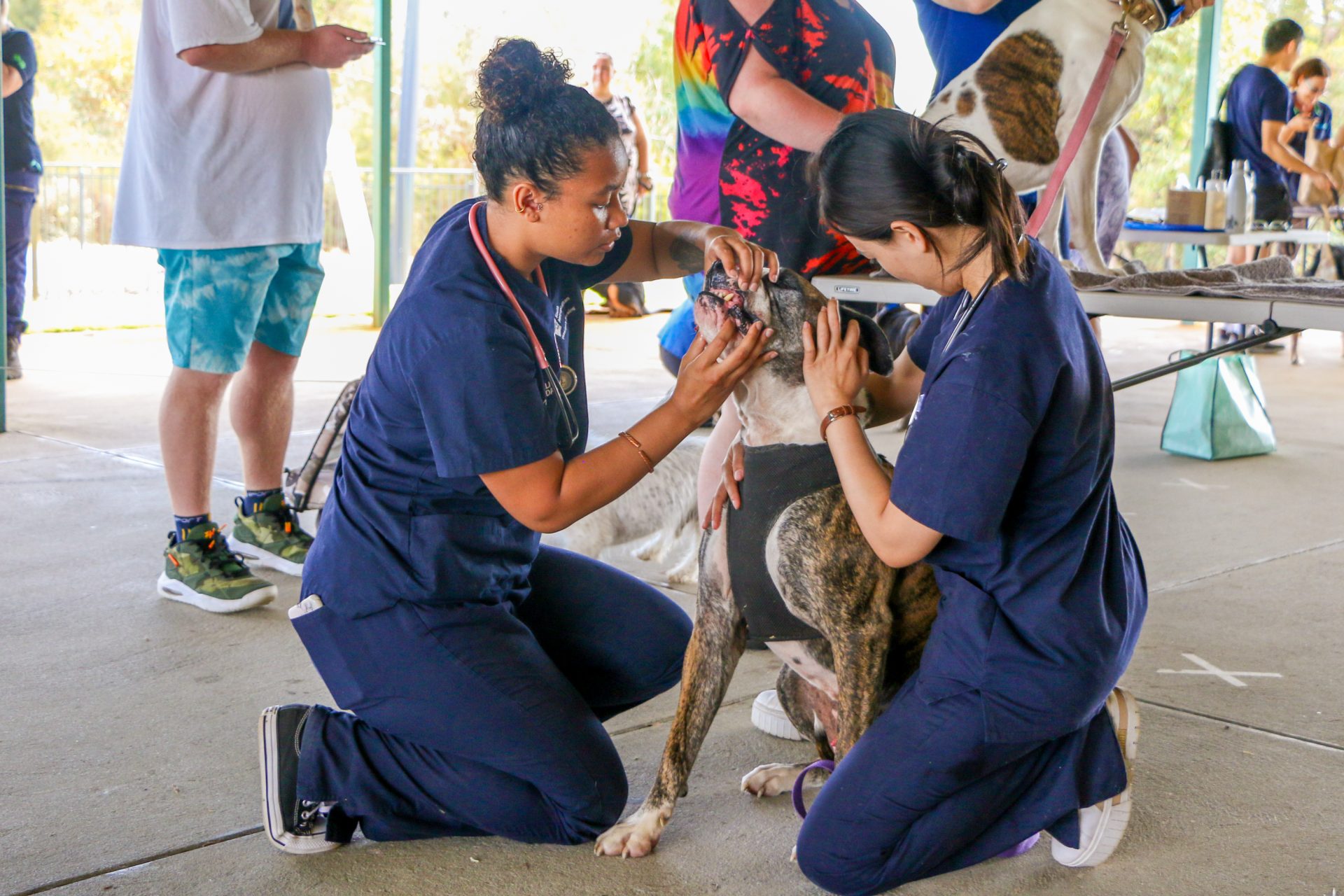
News heading - animal stories / 5 displayed


The RSPCA Knowledgebase
Search Australia’s most trusted source of animal welfare science, advice and information, including animal behaviour guidance, pet care FAQs and more than 700 expert articles.
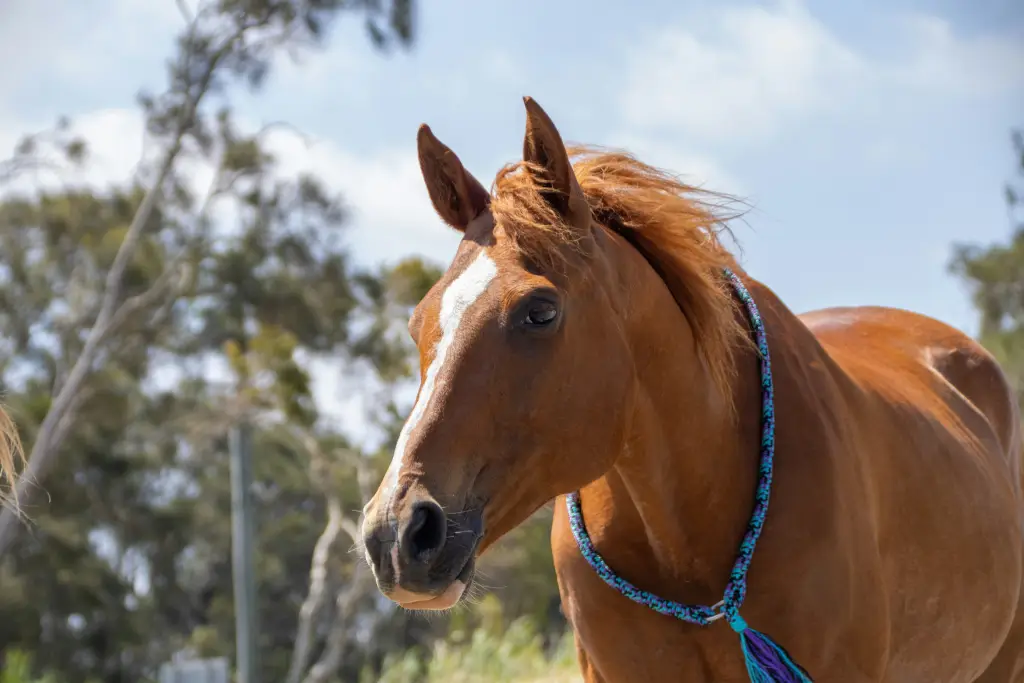
Join our monthly newsletter
Subscribe to stay up-to-date on all things RSPCA WA and animal welfare in Western Australia. Expect the latest news, feel-good animal stories, and more.
Please enter your first name. Please enter your last name. Please enter a valid email address.Thank you for subscribing!
